Plans and drawings
View PDF and DWF/DWFx plans, add markups and pinned tasks, and prepare supported drawings for offline viewing before heading out.
BUILT AROUND THE SERVICE DAY
From booking through follow-up, ServiceRunner FSM keeps the work attached to the right customer, site, equipment, and job.
FOR THE OFFICE
Publish maintenance and emergency booking hours from your real availability. Time off blocks slots, while the dispatch board gives coordinators a view of assignments and job status.
Customer messages depend on your configured delivery provider.
FOR TECHNICIANS
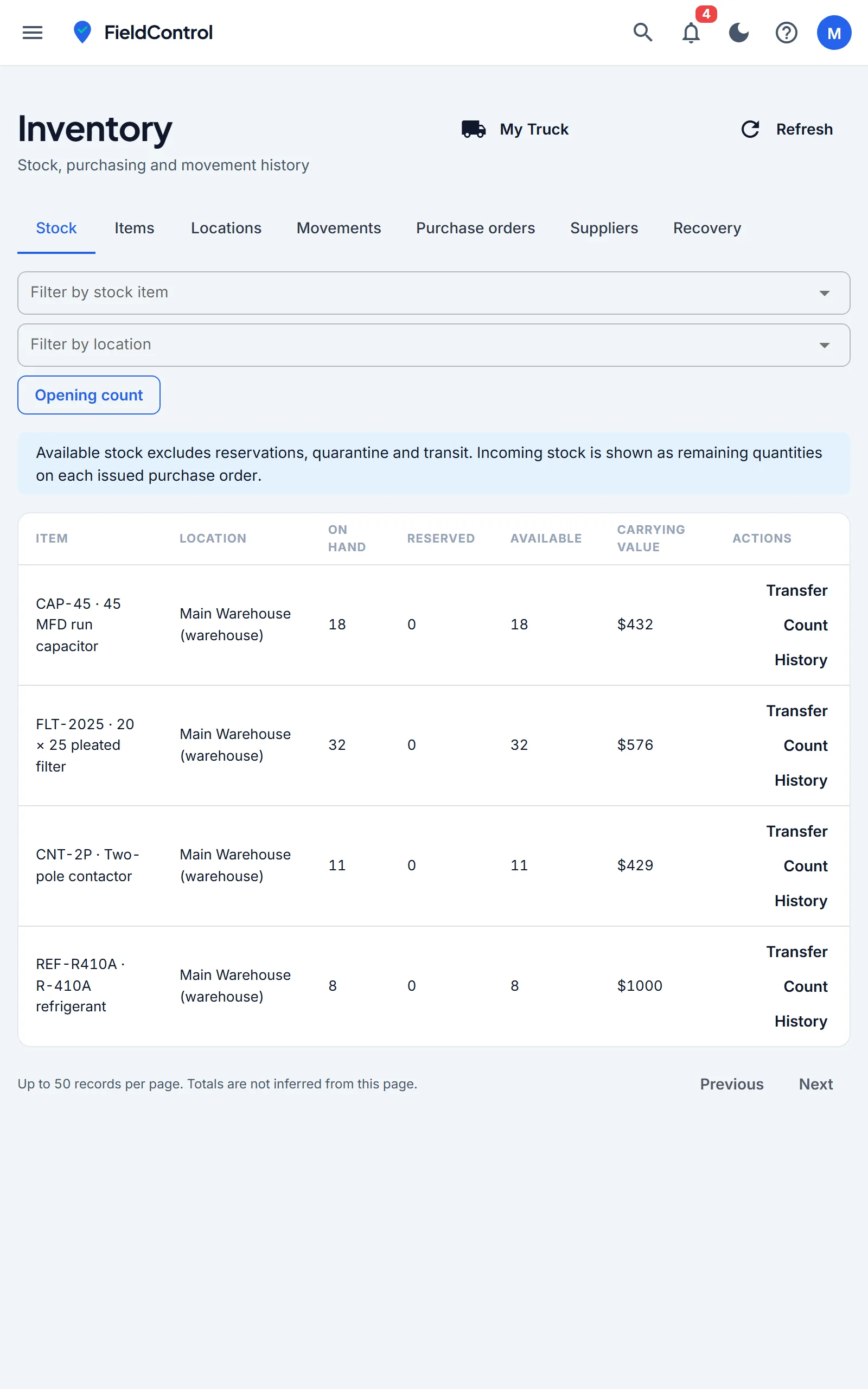
Open the assigned job, check the equipment record, capture findings and photos, and finish the close-out checklist. Stock movements connect shop and truck inventory to the job.
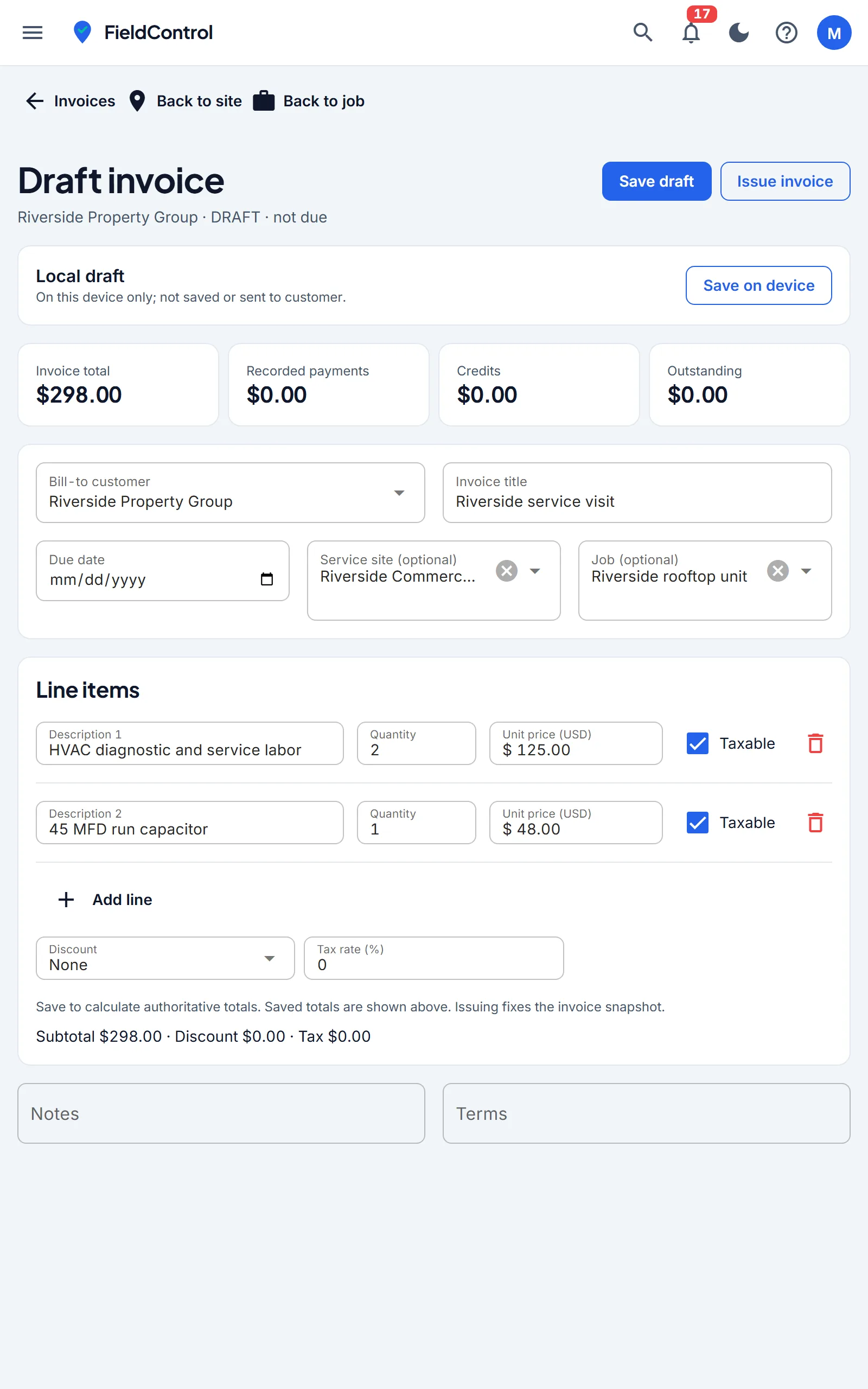
Offline changes sync after reconnection. Invoices can be saved as recoverable device drafts; issuing and collecting payment need a connection.
FOR OWNERS & THE OFFICE
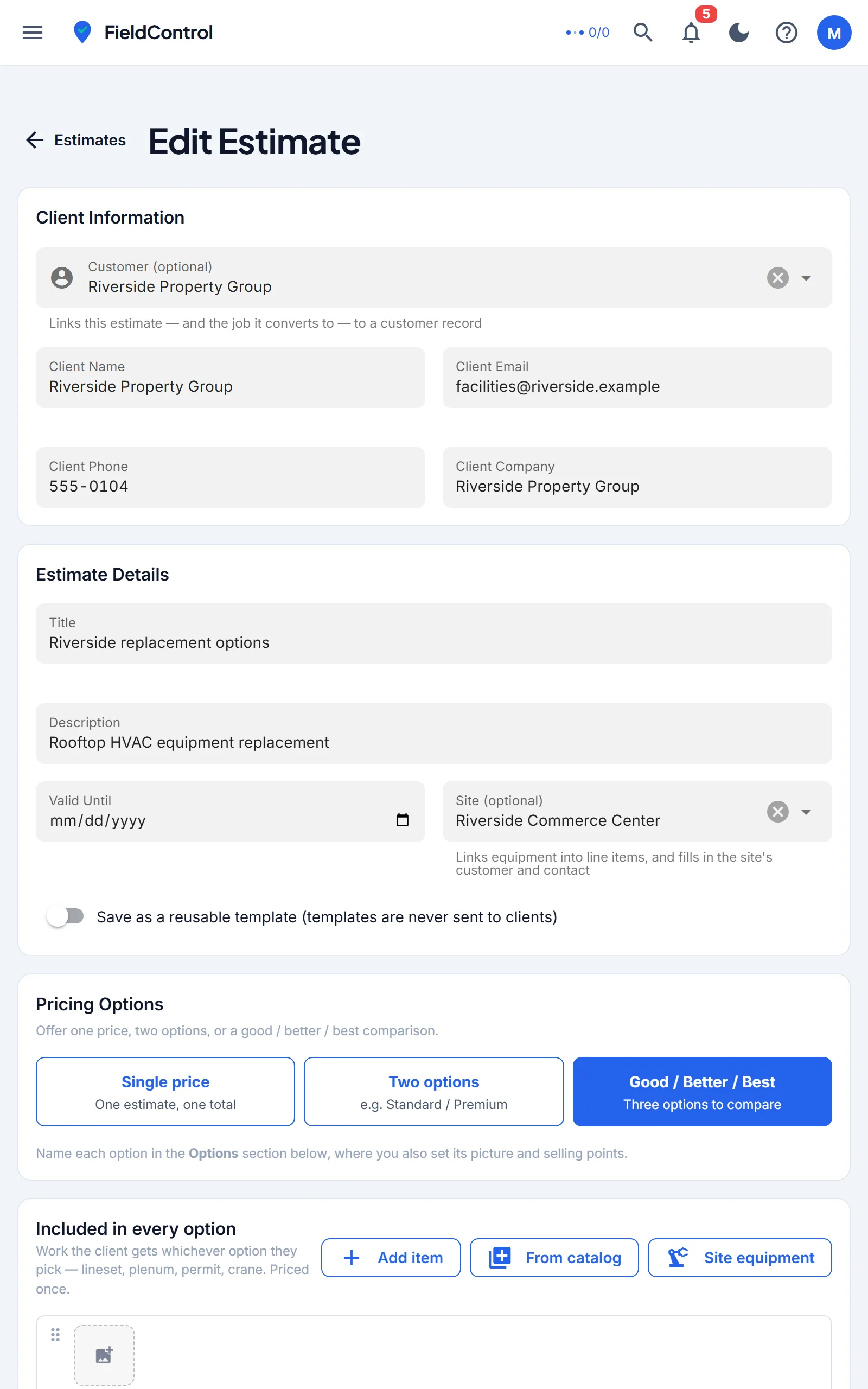
Create customer-ready estimates, then issue invoices from the site or job. Record manual receipts or collect cards after payment setup. Offer fixed-term recurring agreement collection only after the customer accepts the schedule and authorization.
Card payments and QuickBooks require provider connection and review. Accounting exceptions need a person to resolve them.
RUN THE BUSINESS
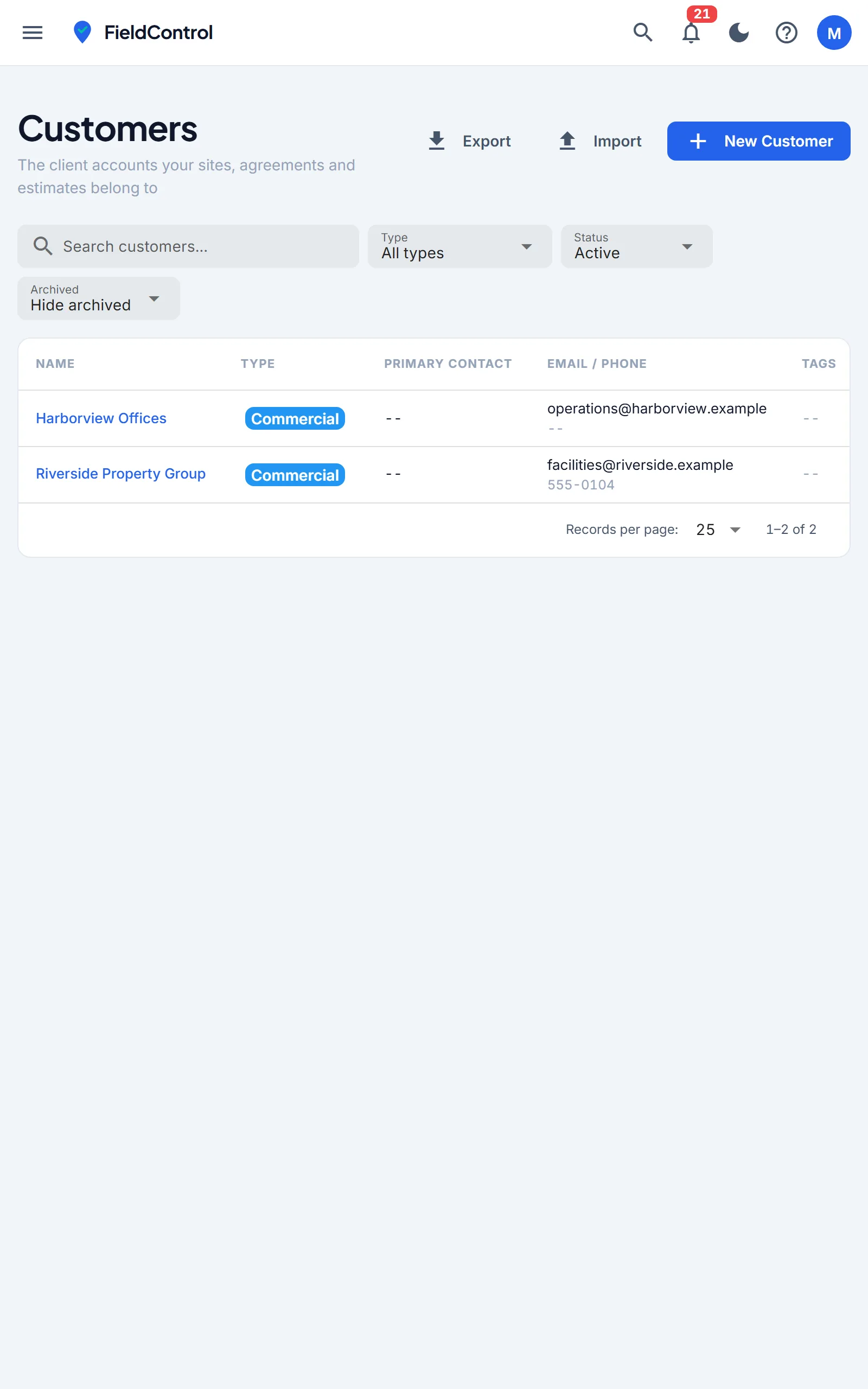
Track sites, contacts, equipment, maintenance visits, estimates, parts, and invoices in one place. Role and site permissions help the right people see and update the right work.
MORE OF THE WORK, IN ONE PLACE
View PDF and DWF/DWFx plans, add markups and pinned tasks, and prepare supported drawings for offline viewing before heading out.
Use equipment profiles, checklists and configurable forms to collect readings, photos and completion details. Export customer-ready reports.
Record shop and truck stock, transfers, immediate truck refill, and material costs tied to jobs.
Keep sites, contacts, equipment, estimates, invoices and service history together. Share the documents and status your customer needs through available customer views.
GETTING STARTED
Sign up, name your organization, and add your first customer and site.
Configure booking hours, technician availability and maintenance work.
Give office staff and technicians the roles and site access they need.
When you're ready, review payment setup and QuickBooks mappings before collecting or syncing.
New organizations start with 30 days of Pro access and no card required. Add a customer and site, then invite your team.